When a user submits a request to onboard or change their role in ROCK, you, as the Focal, will receive an email notification if the request falls within your managed area.
Example email:
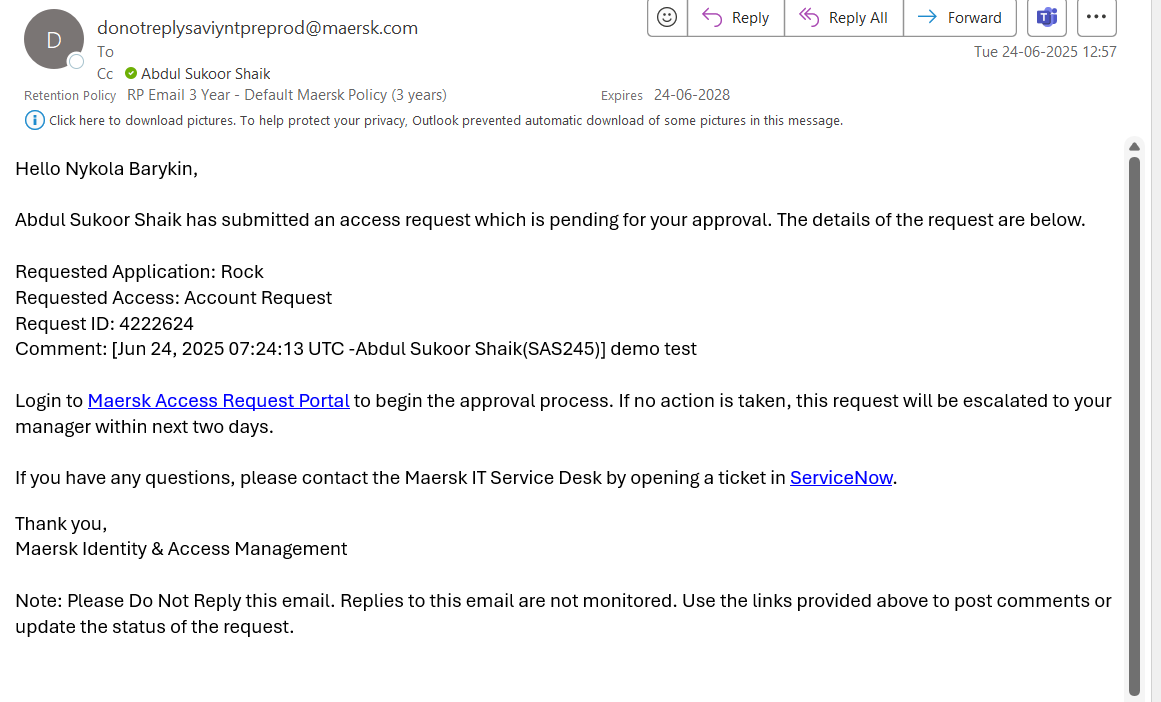
As indicated in the email, you will be prompted to log in to the Maersk Access Request Portal to approve or deny the request.
In case of issues with providing access to ROCK?
In case, you find any issues with providing access to ROCK like
error in access request
access request in approved state, but user not onboarded.
Please raise a request using IGA Incident Form, since they own the process of managing users in ROCK.