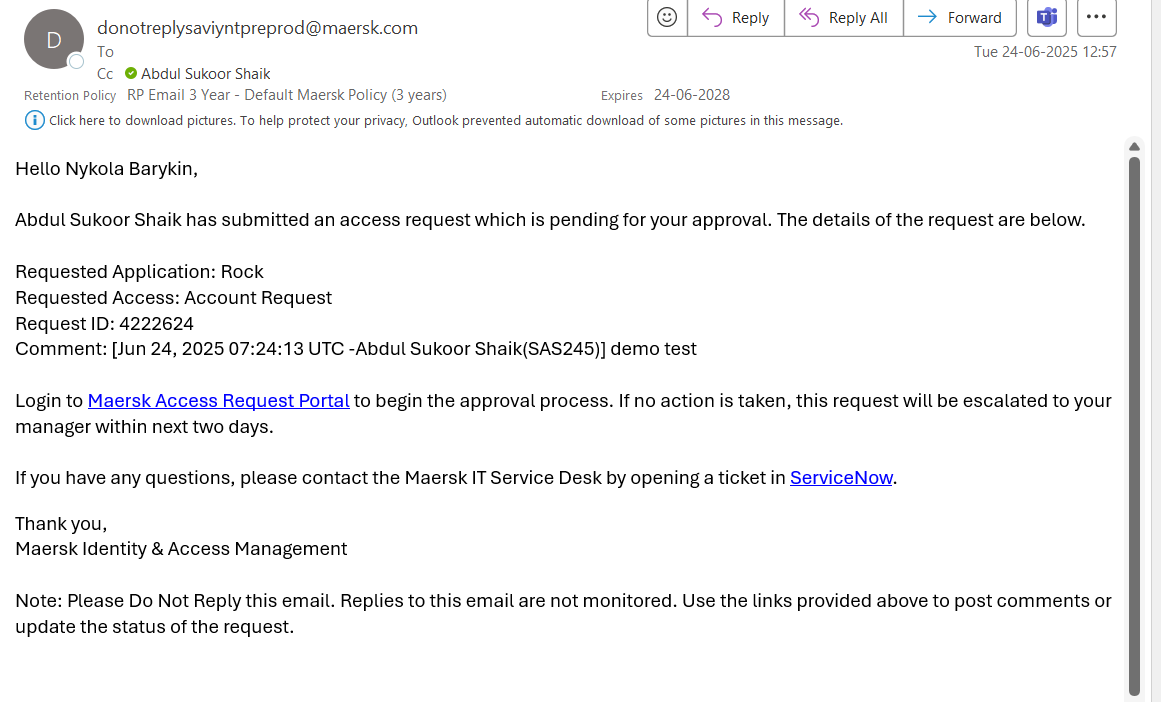
To request access to ROCK, submit a request through the Maersk Access Request Portal, specifying your desired role and providing a business justification.
Make sure you are providing what access and why you need it in business justification, otherwise your request may be rejected.
General steps
Click the [Access Request Link]
Fill out the form, with appropriate information and role
Which Role should I choose?
Role | Description | Areas |
|---|---|---|
Commercial User | For commercial users who need to view the automated container availability screen to understand and communicate availability numbers. | Container Availability |
Ott User | Intended for Cargo department users who require access to OTTs and container figures for load planning. | Equipment Management |
Read Only User | For users who are not equipment planners but need visibility into stock development, forecasting, and OTT-related screens. ACA (Automated Container Availability) can’t be accessed with this role. | Equipment Management |
Country Cluster User | For local planning of empty flows. | Equipment Management + Container Availability |
LOC User | For regional planning of empty flows, with limited access to Scenario Management. | Equipment Management + Container Availability |
Super User | Obsolete - will be removed in the future | |
Maintainer | Not intended for regular users. Used by ROCK Product team to maintain the application |
Which location should I choose?
For Commercial User and LOC User Roles
Location Code | Name |
|---|---|
WCA | West & Central Asia |
LAM | Latin America |
SEU | South Europe |
AFR | Africa |
APA | Asia Pacific |
NEU | North Europe |
NAM | North America |
FEA | Far East |
For Country Cluster Role
Location Code | Name |
|---|---|
UAE | United Arab Emirates Area |
PAK | Pakistan Area |
CAC | Central America, Andina, Caribbean |
CSE | Central South Europe Area |
EME | Eastern Mediterranean Area |
WAF | West Africa Area |
ESA | East Coast South America Area |
OCE | Oceania Area |
NEC | North Europe Continent Area |
IBS | India and Bangladesh Area |
SAA | Saudi Arabia Area |
EAA | Eastern Africa Area |
SEA | South-East Asia Area |
WSA | West Coast South America Area |
SAI | Southern Africa and Islands Area |
EEC | Eastern Europe Area |
CAA | Canada Area |
GCA | Greater China Area |
NDC | Nordic Area |
SWE | South West Europe Area |
UKI | United Kingdom and Ireland Area |
USA | United States Area |
NEA | North East Asia Area |
MEK | Mekong Area |
MXA | Mexico Area |
How to gain access to lower environments of ROCK?
Rock has two lower environments, dev and preprod.
To gain access to either dev and/or preprod,
to handle a business usecase, please reach out to any of our Product Owners of ROCK.
And if it is to handle a technical use case please create a post in Access to Lower Environments | ROCK - Consumer Forum | Microsoft Teams or reach out to david.magid.rousoe@maersk.com
Issues with getting access to ROCK?
In case, you find any issues with gaining access to ROCK like
error in access request
access request in approved state, but user not onboarded.
Please raise a request using IGA Incident Form, since they own the process of managing users in ROCK.