Introduction
Equipment/Geo Stock Overview is a screen where equ planners can view stock development in multiple geographies for one equipment type or TEU Group at a time. The user can choose to combine stock levels and target sfor multiple geographies. The screen highlights stock levels with colors if it is less than minimum TSL or more than maximum TSL, whenever TSL is available. The user can choose to view stock levels including or excluding SIT level, as per their preference. This screen can be viewed as a version of Positioning Planning Screen showing only one equipment type at a time with less detail per geo and without simulation option. It is designed especially to help users who need to review as many geos as possible at once.
Contents
Page Access
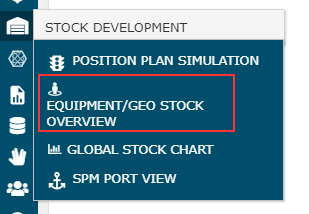
The user can access the screen under Stock Development category in ROCK menu:
Overview
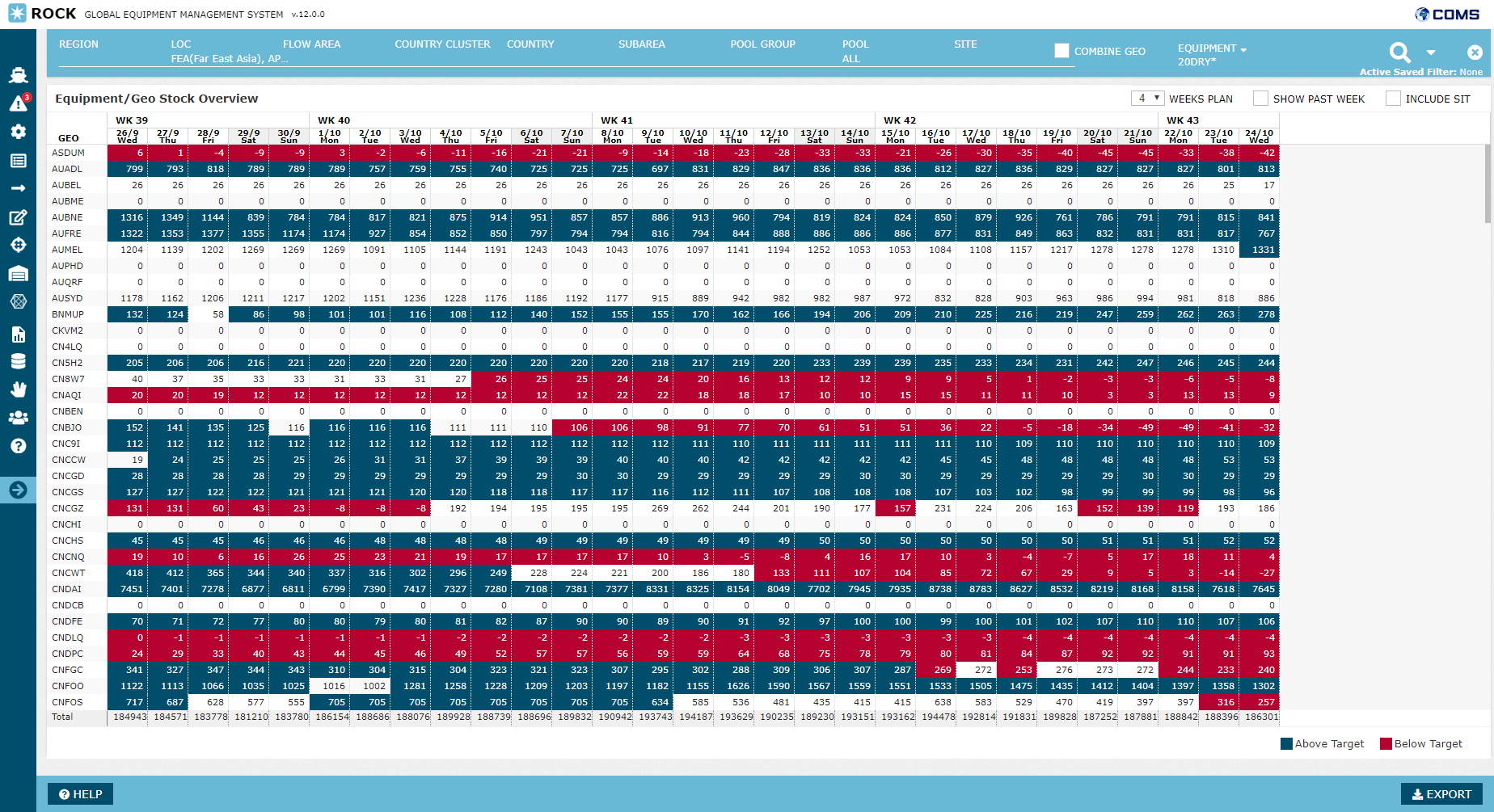
As visible below, this screen is similar to Positioning Planning Screen. Refer to that page for details. The only differences are below:
- One equ type only
- One row per geo
- Total Row displays the column total
No pagination applied as the aim is easy navigation among a large number of geos without needing to change page
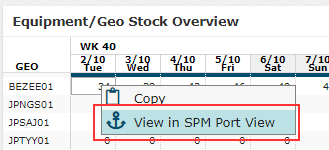
Note that View in SPM feature is available also here, upon right-click on any row:
Attachments:
 image2018-9-18_14-42-56.png (image/png)
 image2018-9-18_12-56-59.png (image/png)
 image2018-9-18_14-40-13.png (image/png)
 image2018-9-18_13-38-9.png (image/png)
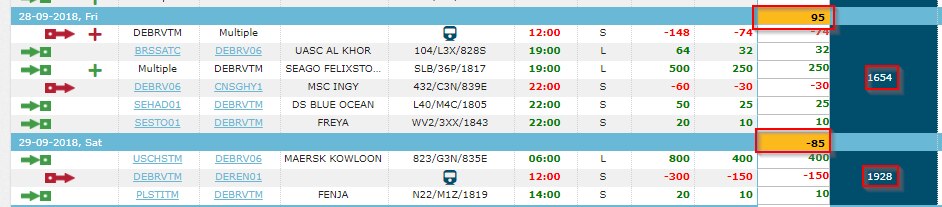 image2018-9-18_14-19-52.png (image/png)
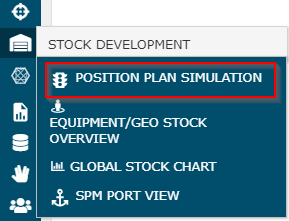 image2018-9-18_14-36-17.png (image/png)
 image2018-9-18_12-39-17.png (image/png)
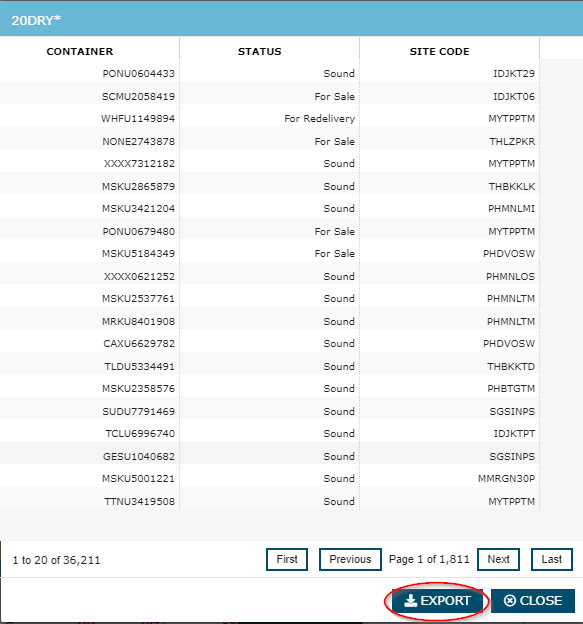 image2018-9-18_13-26-58.png (image/png)
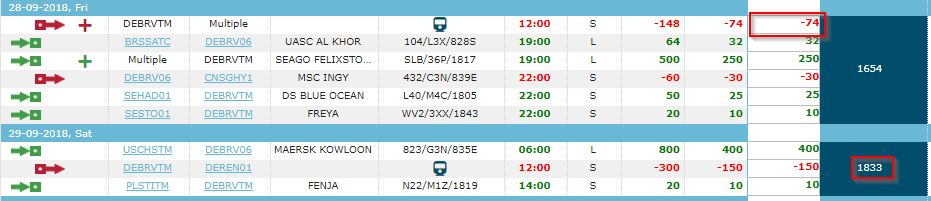 image2018-9-18_13-24-47.png (image/png)
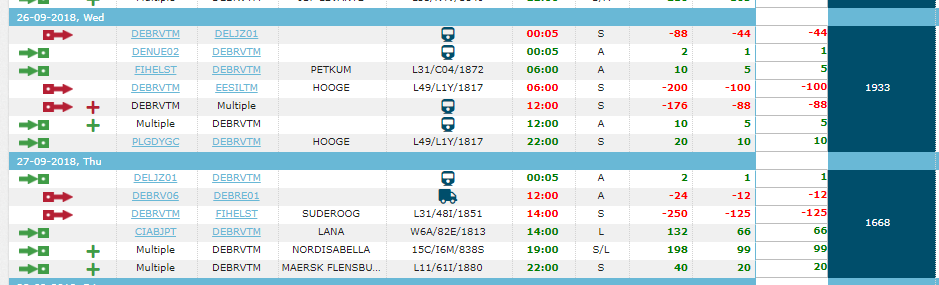 image2018-9-18_13-25-43.png (image/png)
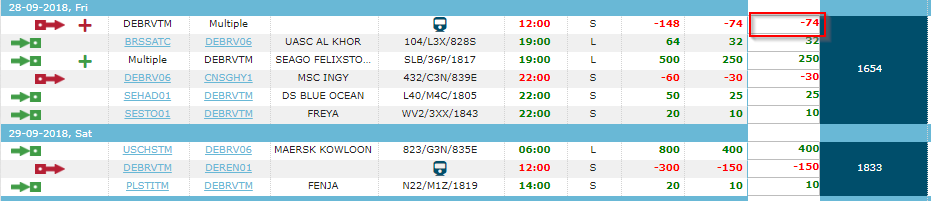 image2018-9-18_14-41-45.png (image/png)
 image2018-9-18_13-37-21.png (image/png)
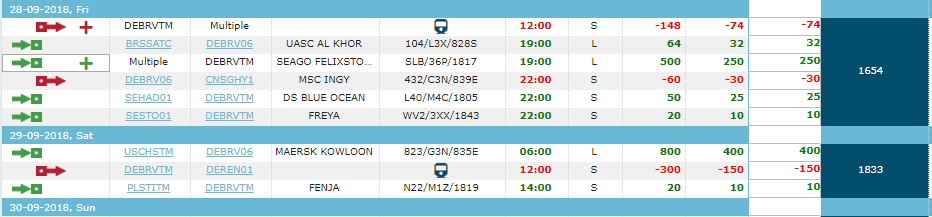 image2018-9-18_12-36-29.png (image/png)
 image2018-9-18_12-37-31.png (image/png)
 image2018-9-18_13-45-43.png (image/png)
 image2018-9-18_12-38-46.png (image/png)
 image2018-9-18_13-34-45.png (image/png)
 image2018-9-18_10-35-24.png (image/png)
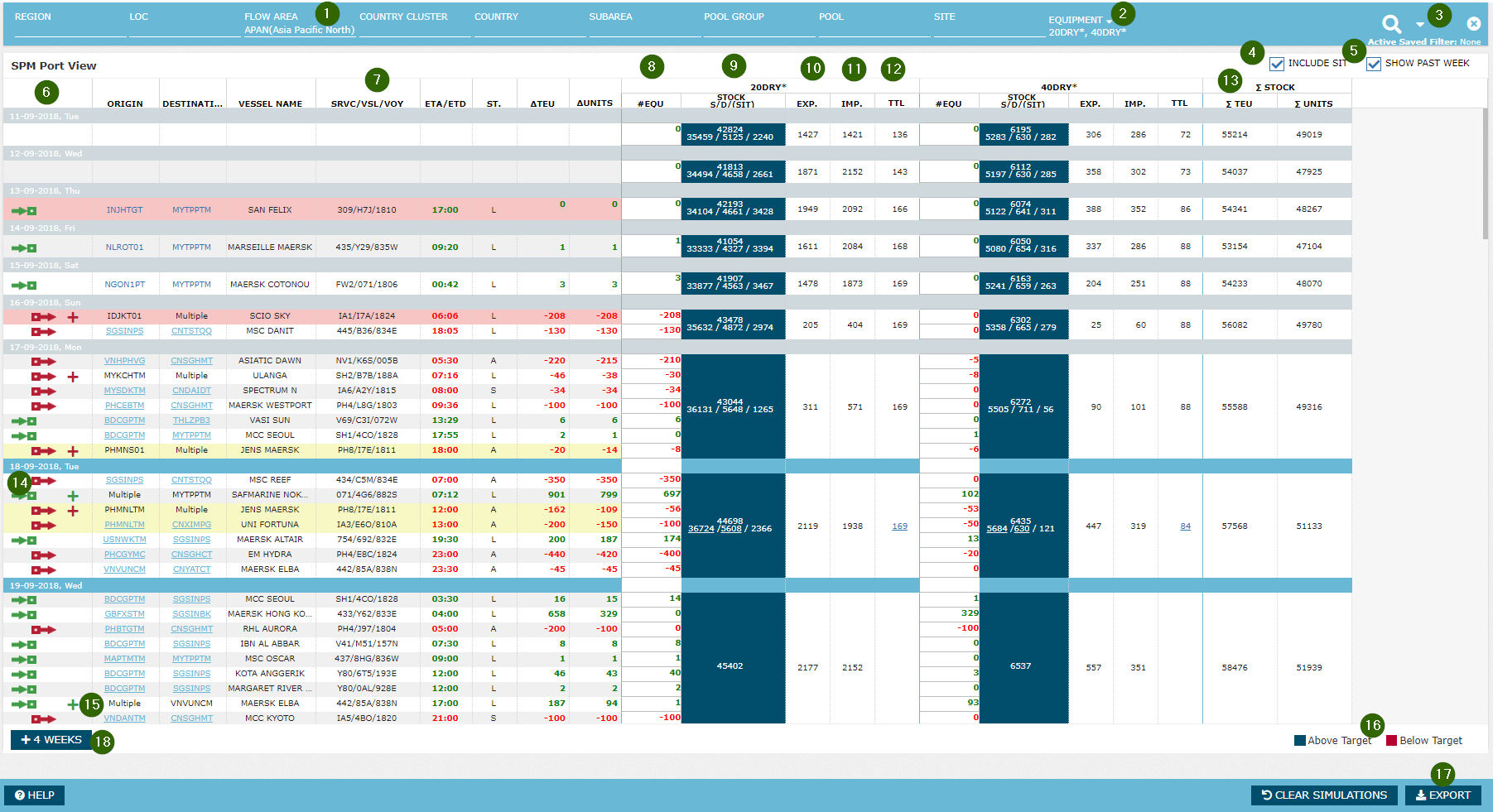 image2018-9-18_14-42-21.png (image/png)
 image2018-9-18_13-31-36.png (image/png)
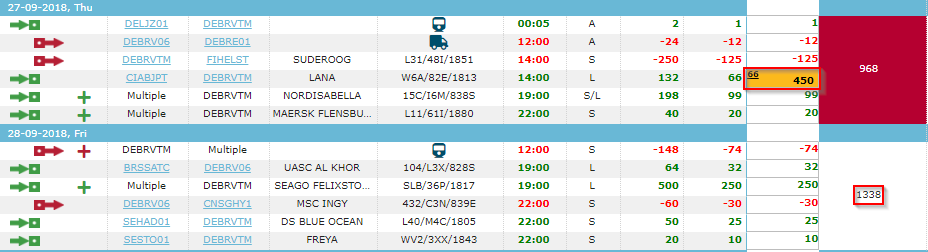 image2018-9-18_13-27-53.png (image/png)
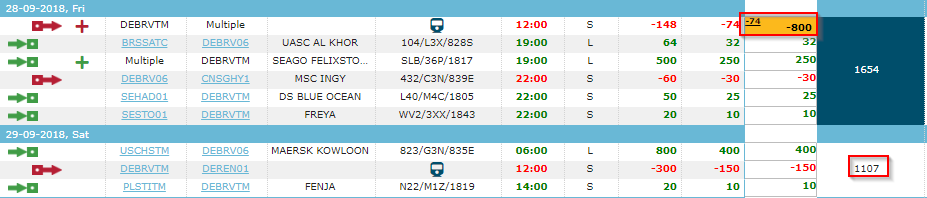 image2018-9-18_13-34-1.png (image/png)
 image2018-9-18_13-44-56.png (image/png)
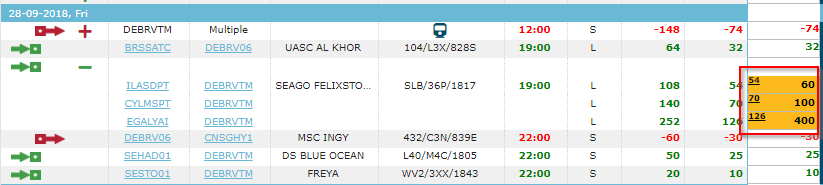 image2018-9-18_13-30-57.png (image/png)
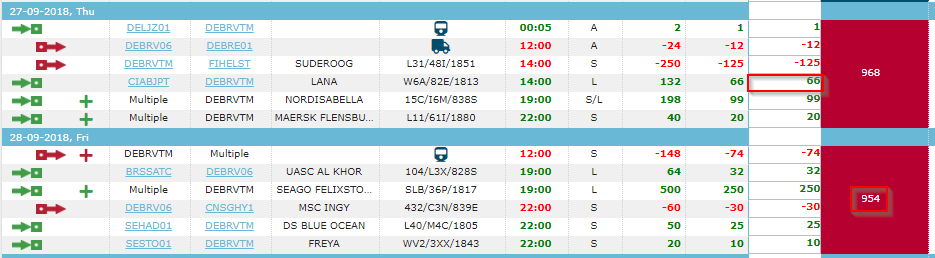 image2018-9-18_13-31-0.png (image/png)
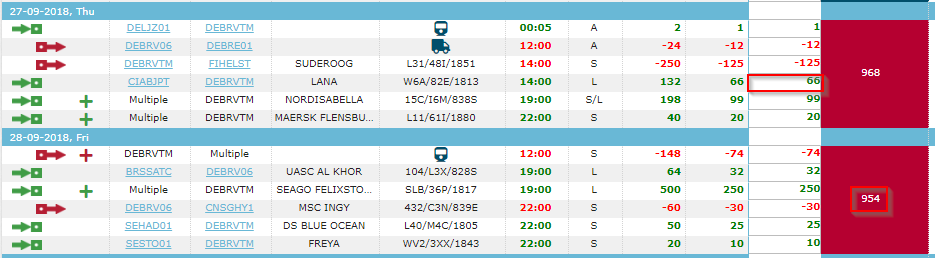 image2018-9-18_12-37-56.png (image/png)
 image2018-9-26_10-14-36.png (image/png)
 image2018-9-26_10-19-33.png (image/png)
 image2018-10-2_10-37-14.png (image/png)
